At a glance
- Easiest data
- An eSIM bought before you fly, if your phone supports one and is unlocked
- At the airport
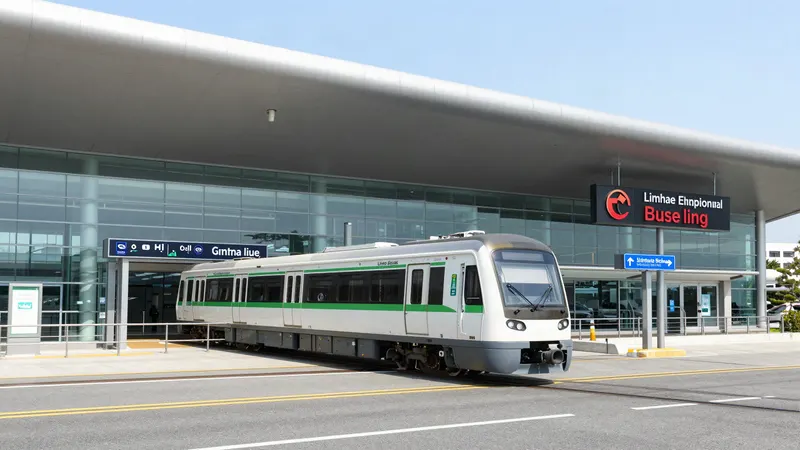
- Tourist SIM and pocket Wi-Fi counters at Gimhae arrivals. Passport required
- Free Wi-Fi
- 'Dynamic Busan' at attractions, 'Public WiFi Free' at public buildings
- On the move
- Public Wi-Fi on every metro line and on city buses
- Maps
- Install Naver Map or KakaoMap. Google Maps cannot route you in Korea
- Emergency
- 112 police, 119 fire and ambulance, 1330 travel hotline
The thing nobody warns you about
Busan is one of the easiest cities in the world to get online in. Data is cheap, coverage is total including underground, and free Wi-Fi is genuinely everywhere. None of that is the problem.
The problem is that Google Maps does not give walking or driving directions in South Korea. You can search for a place and see where it is, but ask it how to get there on foot and it will not tell you. This is not a bug and it is not about your connection — it is a legal restriction on exporting detailed Korean map data, and it applies to every visitor with a foreign phone.
So the single most useful thing you can do before flying is install Naver Map or KakaoMap. The rest of this page is about data and Wi-Fi, which are the easy parts.
Getting mobile data
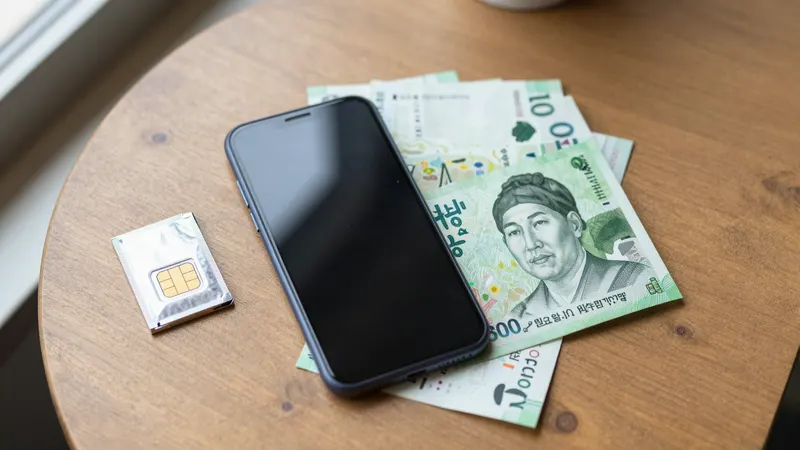
There are four ways and they suit different people. An eSIM is the simplest if your phone supports one and is carrier-unlocked: you buy a data plan online before you travel, get a QR code by email, and it activates on landing without you speaking to anyone. For a short trip this is almost always the right answer.
A physical tourist SIM is the fallback for phones without eSIM support. Counters at Gimhae Airport arrivals sell them, and you will need your passport — prepaid SIMs in Korea are registered to a person. The downside is that you lose your home number while it is in the phone, which matters if you rely on SMS codes.
Pocket Wi-Fi makes sense for two or more people traveling together, since one device covers everyone and works out cheaper per head. The catch is that it is another thing to charge and another thing to return, and if the group splits up, only one of you has data.
Roaming from your home carrier is the expensive option, but it is worth checking before you dismiss it. Some carriers now include Korea in a flat daily rate that beats the hassle of anything else for a three-day trip.
| Option | Best for | Watch out for |
|---|---|---|
| eSIM | Most solo travelers with a recent, unlocked phone | Check eSIM support and carrier lock before you buy |
| Tourist SIM | Phones without eSIM; longer stays | Passport needed; you lose your home number |
| Pocket Wi-Fi | Groups and families | Charging, returning it, and splitting up |
| Roaming | Short trips where convenience wins | Check the daily rate before you land, not after |
Free Wi-Fi, and what the networks are called
Busan runs more than one free network and they have different names, which is why people conclude there is no Wi-Fi when they are standing in the middle of it.
The city's own network is called Dynamic Busan. The city lists it at the beaches — Haeundae, Gwangalli, Dadaepo, Songjeong, Songdo and Ilgwang — and at attractions including Taejongdae Observatory, Jagalchi Market, Yongdusan Park, Dongbaekseom and Geumjeongsanseong, plus gathering places like Seomyeon, Busan Station Square, City Hall Square, Gwangbok-ro and the International Cruise Terminal.
Separately, a national program run with KT, SKT and LG U+ appears as Public WiFi Free at public buildings — district offices, libraries, bus terminals and parks. On city buses the network is PublicWiFi@BUS_free, with a PublicWiFi@BUS_Secure option that is faster and better secured. In the underground shopping arcades the name is Busan_WiFi, installed at seven of them including Bujeon, Seomyeon, Nampo, Gwangbok, Gukje and the one under Busan Station. Every metro line has public Wi-Fi.
One caution the city itself makes: this is open wireless, so avoid entering sensitive personal information or doing banking on it, whichever network you are on.
Why Google Maps fails here, and what changed in 2026
South Korea restricts the export of high-precision map data for national security reasons dating to the armistice, and Google processes its map data on servers outside the country. The result is that Google Maps in Korea shows you locations but cannot give you walking, driving or reliable transit directions. Visitors discover this at the worst possible moment, standing on a street corner.
This may be changing. On February 27, 2026, the National Geographic Information Institute's review committee conditionally approved Google's request to export 1:5,000 scale map data — the level of detail needed for real street navigation — limited to the base map and road network and subject to security conditions including masking sensitive sites, restricting coordinate display, and using domestic servers.
It has not taken effect. Reporting through spring 2026 describes the process as stalled, with the two sides unresolved on how the data would be stored and transferred. So plan for the current situation: Google Maps still cannot route you in Korea.
Naver Map and KakaoMap both have English interfaces and both do what Google cannot — walking routes, bus and metro directions with real-time arrivals, and exits numbered the way the station signs number them. Naver Map is the more common choice among visitors. Use Google Maps if you like for saving a list of places, then search the Korean name in Naver when you actually want to go.
The short list of apps worth installing
- Naver Map or KakaoMap — the only apps that will actually navigate you around this city
- Kakao T — the local taxi app, which dispatches a licensed taxi to your pin and removes the need to explain where you are
- Papago — Korean translation that handles menus and signs by camera, and is noticeably better at Korean than the general-purpose alternatives
- Emergency Ready — the Ministry of the Interior and Safety app that delivers Korea's emergency alerts in English, Chinese and Japanese instead of Korean only
- Korail+ — if you are taking the KTX anywhere, this is where tickets now live after the 2026 merger
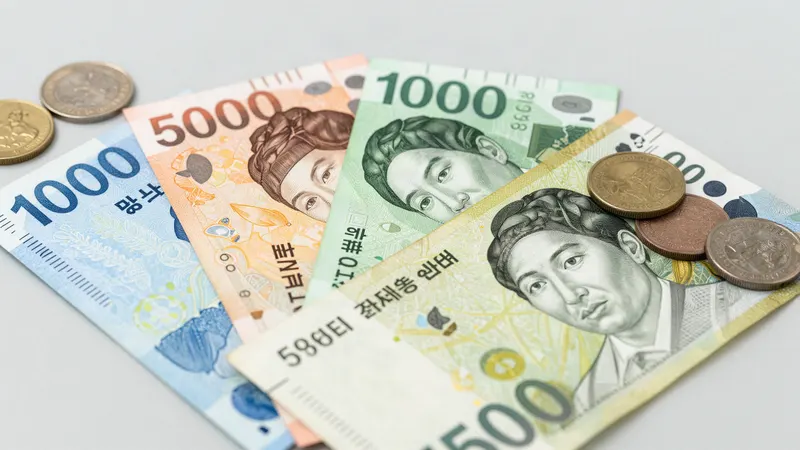
- A currency converter that works offline, because the number of zeros on Korean prices catches everyone out for the first day
Numbers to save before you need them
1330 is the number most worth knowing, because it is not just an information line. The operator will interpret between you and whoever is in front of you — a shop, a clinic reception, a taxi driver — while you are standing there. It works by phone and by online chat.
The full version of this, including late-night pharmacies, how clinics and hospitals differ, and what to do about rip currents and typhoon alerts, is in the safety and emergencies guide. Payment — cards, ATMs, how much cash to carry — is in the money guide.
| Number | For | Note |
|---|---|---|
| 112 | Police | Works without a Korean SIM and on a locked phone |
| 119 | Fire and ambulance | Accepts text and video reports, and can add an interpreter |
| 1330 | Korea Travel Hotline | Tourist information, interpretation and complaints. +82-2-1330 from abroad |
| 1345 | Immigration Contact Center | Visa and stay questions |
Small things that make the first day easier
- Save your accommodation's address in Korean, as text you can show a driver. Not a screenshot of a map — text you can point at
- Download an offline map area before you land, so the walk out of the airport does not depend on activation working first time
- Public restrooms are free and common at metro stations, parks and department stores, and are generally clean
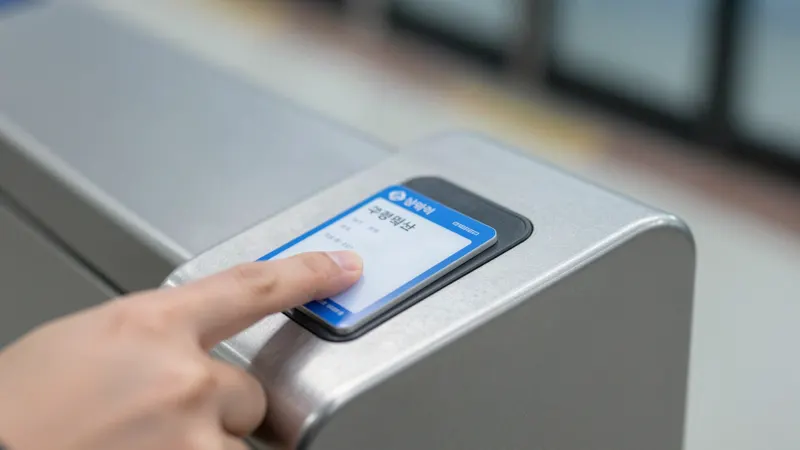
- Convenience stores are on every block, open around the clock, and sell phone chargers, umbrellas and transit card top-ups
- Bins are separated into recycling and general waste, and there are fewer of them on the street than you expect. Convenience stores have them
- Power is 220V with the round two-pin plug used across continental Europe. A UK or US plug needs an adapter
Frequently asked questions
Does Google Maps work in Busan?
Only partly. You can search for places and see where they are, but Google Maps cannot give walking, driving or reliable transit directions anywhere in South Korea, because the export of detailed Korean map data is restricted. Install Naver Map or KakaoMap instead — both have English interfaces and both handle navigation properly.
Is Google Maps navigation coming to Korea?
Possibly. On February 27, 2026 a government review committee conditionally approved exporting 1:5,000 scale map data to Google, limited to the base map and road network and subject to security conditions. As of spring 2026 the process was reported as stalled over how the data would be stored and transferred, so plan your trip around the current situation rather than the announcement.
What is the easiest way to get mobile data in Busan?
An eSIM bought online before you travel, if your phone supports eSIM and is carrier-unlocked — you get a QR code by email and it activates on landing. Physical tourist SIM cards and pocket Wi-Fi devices are sold at Gimhae Airport arrivals for phones that do not support eSIM; a passport is required for a SIM.
Is there free Wi-Fi in Busan?
Plenty, under several different names. The city network is Dynamic Busan, at the beaches and major attractions. A national program appears as Public WiFi Free at public buildings. City buses carry PublicWiFi@BUS_free and a faster PublicWiFi@BUS_Secure, the underground shopping arcades use Busan_WiFi, and every metro line has coverage. Avoid banking or entering sensitive details on any of them.
What are the emergency numbers in Busan?
112 for police and 119 for fire and ambulance, both of which work without a Korean SIM and on a locked phone. 119 also accepts text and video reports and can bring an interpreter onto the call. For anything non-urgent, 1330 is the Korea Travel Hotline, which offers information, interpretation and complaint handling by phone and online chat.
Which apps should I install before visiting Busan?
Naver Map or KakaoMap for navigation, Kakao T for taxis, Papago for translation, and Emergency Ready for Korea's emergency alerts in English rather than Korean only. Add Korail+ if you are taking the KTX, since that is where high-speed tickets are booked after the 2026 merger.